 Flippd Help
How do I change the app language?
To change the language, go to Settings > Language and select your preferred language. The app updates immediately.
Step-by-Step
- Go to Settings (tap the gear icon in the top right)
- Tap Language
- Select your preferred language
- The app switches instantly
Supported Languages
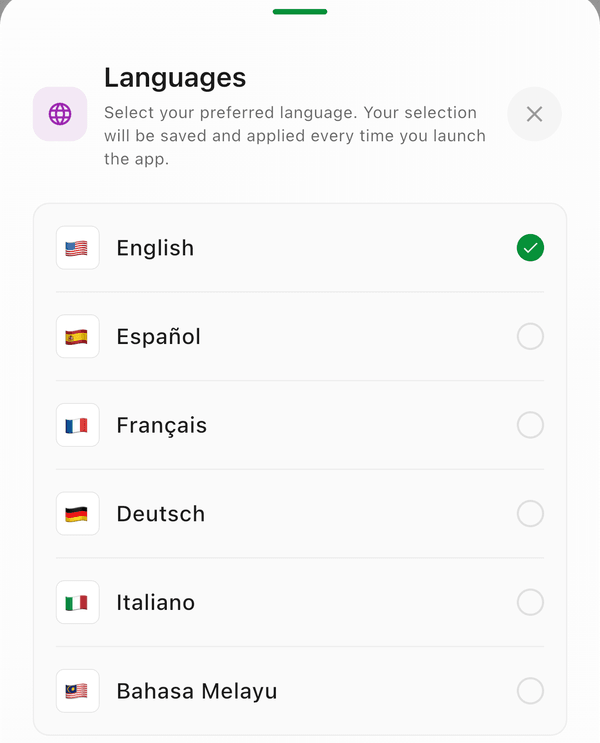
- English
- Spanish (Espanol)
- French (Francais)
- German (Deutsch)
- Italian (Italiano)
- Malay (Bahasa Melayu)
Good to Know
- The language setting affects all app text, menus, and labels
- Your data (item titles, notes, etc.) stays in whatever language you entered it
- You can switch languages anytime without losing any data