 Flippd Help
How do I change my business country and currency?
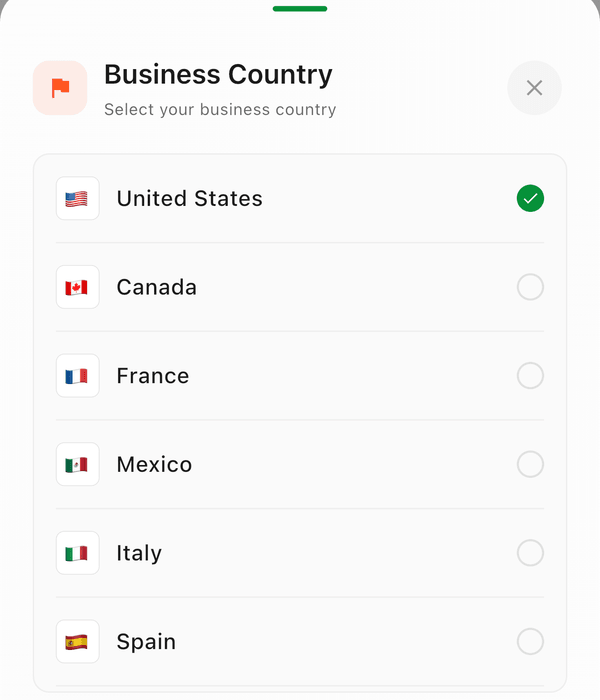
To change your business country, open Settings > Business Profile and pick a country in the Business Country row. This changes your currency format, date format, mileage rates, and available platforms.
Step-by-Step
- Go to Settings (tap the gear icon in the top right)
- Tap the profile card at the top of Settings to open Business Profile
- Tap the Business Country row and select your country
- The change saves immediately -- there is no separate confirm step
What It Affects
Your business country determines:
- Currency format (USD, CAD, EUR, MXN, SGD, etc.)
- Date Format -- for example
MM/dd/yyyyin the United States,yyyy-MM-ddin Canada,dd/MM/yyyyin Singapore, anddd.MM.yyyyin France, Italy, and Spain - Available selling platforms (some platforms are region-specific)
Supported Countries
- United States
- Canada
- France
- Mexico
- Italy
- Spain
- Singapore
Good to Know
- You chose your business country during account setup, but you can change it anytime
- Changing your country updates the currency symbol throughout the app
- Historical transactions keep their original currency values
- It does not auto convert currencies!