 Flippd Help
How do I switch between light mode, dark mode, and system theme?
Dark mode is a display setting that uses darker background colors with lighter text, making the app more comfortable to view in low-light environments. You can choose your preferred theme or let the app adjust automatically based on your device settings.
To change the theme, go to Settings (tap the gear icon in the top right) and tap the Theme option.
Step-by-Step
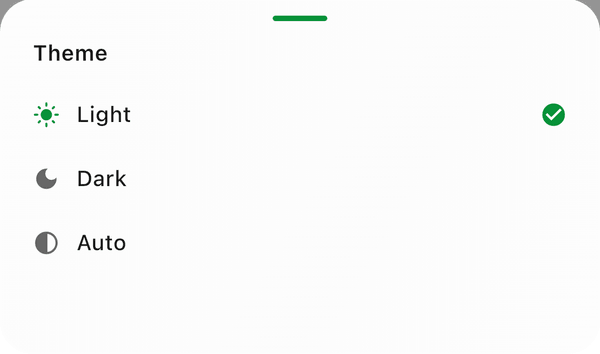
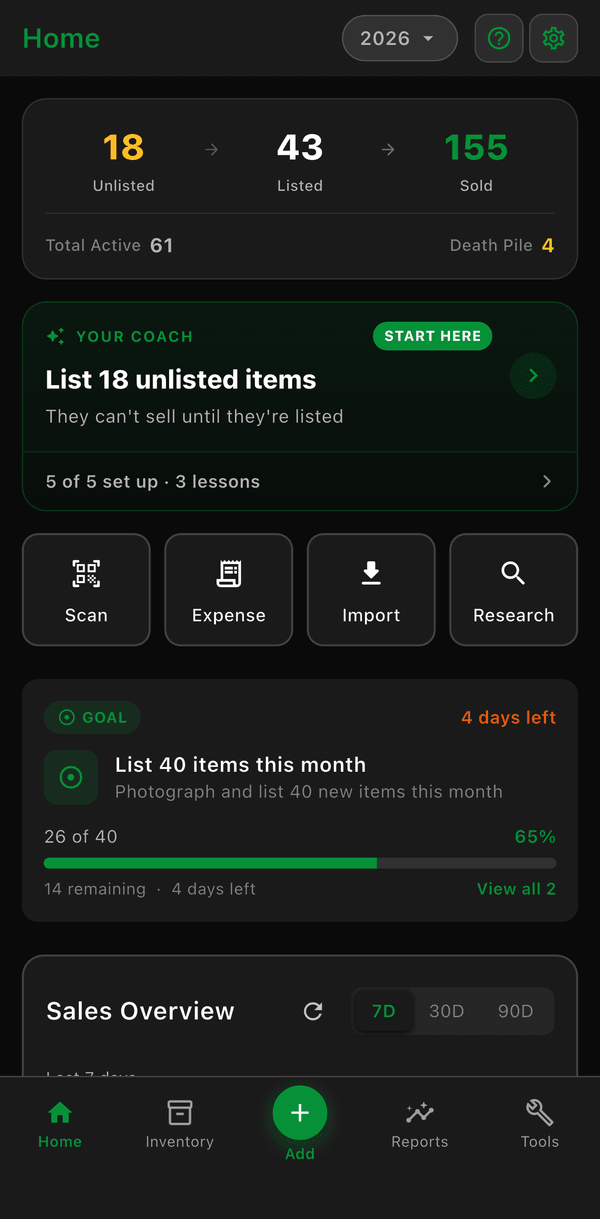
- Go to Settings (tap the gear icon in the top right)
- Find the Theme tile
- Select your preferred mode:
- Light -- Bright background with dark text
- Dark -- Dark background with light text, easier on the eyes at night
- Auto -- Automatically matches your device's light or dark setting, adjusting based on the time of day
The change applies immediately across all screens.
Good to Know
- Auto follows your phone's light or dark setting and adjusts automatically throughout the day. On a fresh install the app starts in Dark until you pick a theme
- Dark mode can reduce eye fatigue during extended use, especially in low-light environments
- Dark mode can help save battery on devices with OLED screens
- All screens, charts, and reports adapt to your chosen theme