 Flippd Help
How do I create an account and sign in?
Download Flippd from the App Store or Google Play, then create your account using email, Apple, or Google sign-in. Setup takes less than a minute.
Step-by-Step
- Download Flippd from the App Store or Google Play
- Open the app and tap Get Started
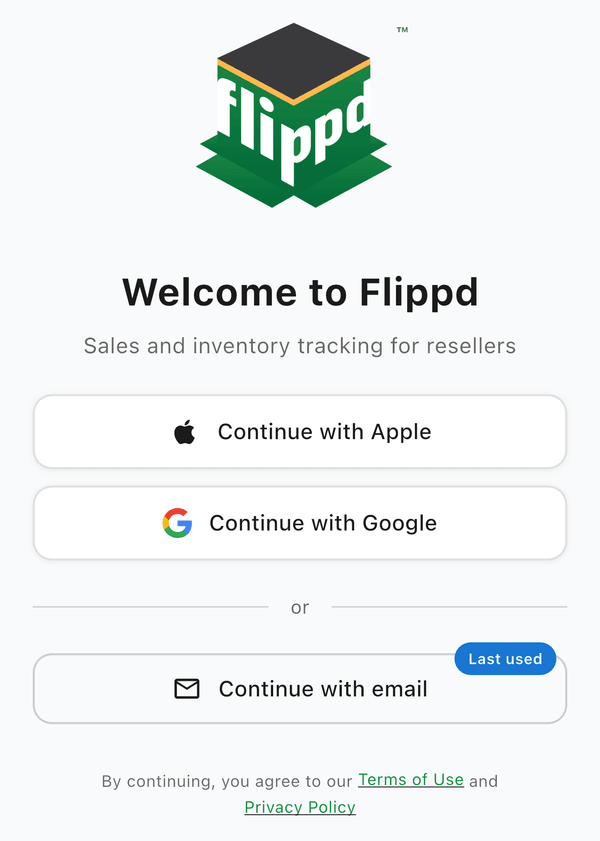
- Choose your sign-in method:
- Continue with email -- Enter your email and create a password
- Continue with Apple -- Use your Apple ID
- Continue with Google -- Use your Google account
- Answer a few quick questions about how and where you sell (you can change these later in Settings)
- You're in! Your Home dashboard is ready
Signing In on Another Device
Sign in with the same account on any device -- iOS, Android, or web. Your data syncs automatically across all devices.
Good to Know
- Set your business country (which sets your currency) under Settings > Business Profile, and your language under Settings > Language
- If you forget your password, tap Forgot Password on the sign-in screen to reset it
- Apple and Google sign-in are the fastest options since there's no password to remember
- The free plan works without a subscription; it includes up to 20 inventory items, 25 expenses per month, and 30 mileage trips per month